From Passwords to Passkeys: What’s Next in Authentication?
TECHNOLOGY
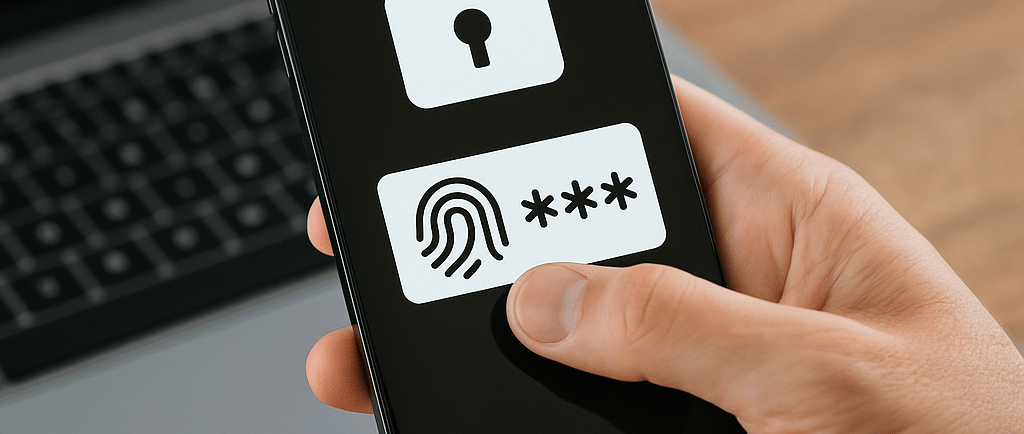
Let’s be honest — passwords have been around forever, and they’ve never really worked that well. We’ve all seen it: people using “Password123,” reusing the same login everywhere, or getting hit by phishing emails that look legit. It’s time for something better.
Enter passkeys — the new kid on the block that’s actually living up to the hype. They’re faster, safer, and a whole lot less painful to manage.
Why Passkeys Are Taking Over
Here’s the deal: passkeys replace passwords with a pair of digital keys. Your phone or laptop holds a private key, and the website holds the matching public key. When you log in, your device proves who you are using biometrics or a simple PIN — no typing, no remembering, no chance of getting phished.
That means:
No more “forgot my password” loops.
No more password reuse across 12 different sites.
Way fewer calls to IT asking for resets.
Apple, Google, and Microsoft are all-in on passkeys, and more businesses are joining in every month. This isn’t a trend — it’s the next phase of authentication.
But It’s Not All Smooth Sailing
Even the best tech comes with a few wrinkles. Passkeys solve a lot, but they also bring new things to think about.
People hate change. Some users still like typing passwords because it’s familiar. Rolling this out too fast can create frustration if you don’t communicate the “why.”
Lost phones happen. If your credentials live on your device, you need a solid recovery plan when that device disappears.
Big tech dependency. Right now, passkeys often sync through Apple, Google, or Microsoft accounts. That’s convenient, but not every organization wants to put all their trust in those ecosystems.
The smart play is to start small — maybe with internal apps or a pilot group — and learn what works before going all-in.
What’s Coming After Passkeys
Passkeys are a big step forward, but they’re not the end of the story. We’re heading toward adaptive authentication — where systems don’t just check who you are, but how you behave.
Think of it like this: your login isn’t just a single event anymore. The system will keep quietly checking things like where you’re logging in from, how you move your mouse, or whether your device looks healthy. When something seems off, access gets tighter automatically.
We’re also seeing regulators push harder for “phishing-resistant MFA,” which passkeys already check the box for. Over time, that’s going to make passwords feel as outdated as floppy disks.
How to Get Ahead Now
If your organization hasn’t started planning for a passwordless future, now’s the time. Here’s where to start:
Take inventory. Figure out where people are still using passwords and how risky those logins are.
Start with a pilot. Test it in one area — maybe for VPN access or your internal portal.
Teach before you enforce. People buy in faster when they understand why you’re changing things.
Have a recovery plan. Lost devices are inevitable. Don’t let that be the weak link.
Keep watching the standards. Passkeys are still evolving, and staying up-to-date helps you avoid rework later.
The Bottom Line
Passwords had a long run, but their time is up. Passkeys are more secure, more user-friendly, and — let’s be real — less annoying for everyone involved.
We’re not far from a world where logging in feels effortless and secure at the same time. For businesses, the real win is trust — your users feel safe, and you reduce friction at every step.
That’s the kind of progress that sticks.
© 2025 Eric Harris Jr. | All rights reserved.